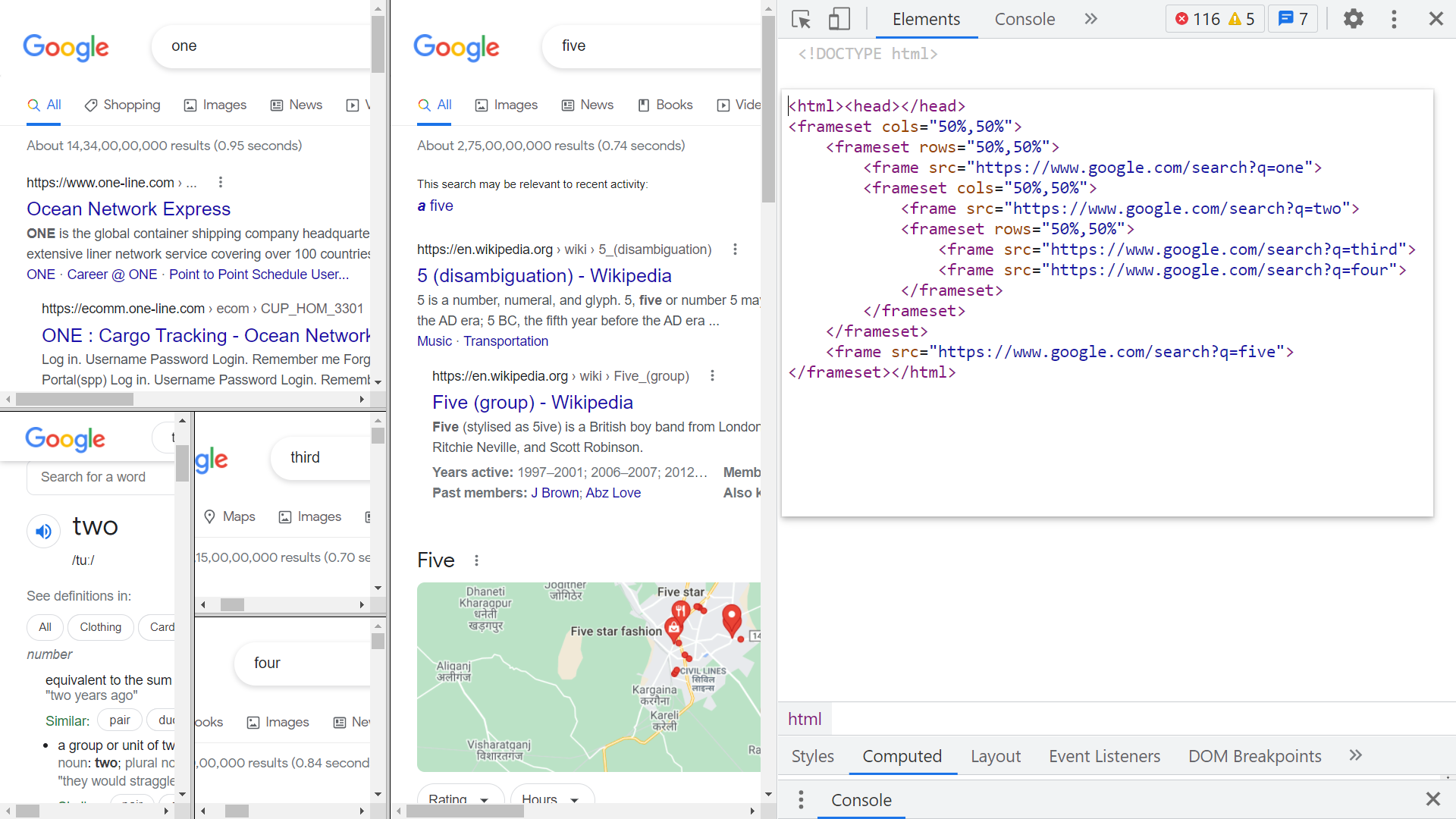
note: frame element has attribute name = “ ” that allows us to name the frame.
tip: now see target attribute of anchor tag and you’ll understand the importance of frames.
<iframe src=”linktodata” frameborder=”0” width=”500” scrolling=“no”> <iframe>tip: The <iframe> tag specifies an inline frame.
An inline frame is used to embed another document within the current HTML document.
iframe is Primarily used to include resources from other domains or subdomains but can be used to include content from the same domain as well.
The <iframe>'s strength is that the embedded code is 'live' i.e. dynamic and can communicate with the parent document.